You’re a talented graphic designer in Nigeria, creating stunning visuals for clients. But mastering the art of invoicing can be just as crucial as your design skills. Getting paid on time and professionally is essential for your business’s success.
Many Nigerian graphic designers struggle with creating effective invoices. They might forget crucial details, use unprofessional formats, or struggle with payment reconciliation, leading to delayed payments and cash flow problems.
To invoice for graphic design work in Nigeria, include your business name and contact details, the client’s information, a clear description of the services provided, the agreed-upon rates, the total amount due in Naira, and your preferred payment methods (bank transfer, payment link). Using invoicing software like Cordlo can automate this process and ensure you don’t miss any vital information.
Why Professional Invoices Matter
A professional invoice isn’t just a bill; it’s a reflection of your brand. It communicates professionalism, builds trust with clients, and minimizes payment disputes.
For Amara, a freelance graphic designer in Lagos, sending well-structured invoices has significantly improved her client relationships and payment speed. She uses Cordlo to create and send invoices directly from her phone.
Essential Elements of a Graphic Design Invoice
Every invoice should include these key components:
- Your Business Information: Your business name, address, phone number, and email address. If you’re CAC registered, include your registration number.
- Client Information: The client’s name, company name (if applicable), address, and contact details.
- Invoice Number: A unique identifier for each invoice (e.g., INV-2024-001).
- Invoice Date: The date the invoice was issued.
- Due Date: The date by which payment is expected.
- Description of Services: A detailed breakdown of the design services provided (e.g., logo design, website mockups, social media graphics). Be specific and avoid vague terms.
- Rates and Quantities: The hourly rate or fixed price for each service, along with the number of hours worked or units delivered.
- Total Amount Due: The sum of all charges, including any applicable taxes (like VAT).
- Payment Terms: Clearly state your payment terms, including accepted payment methods (bank transfer, online payment via Paystack or Flutterwave), and any late payment penalties.
Step-by-Step Guide to Creating a Graphic Design Invoice
Let’s break down the process of creating a professional invoice:
- Choose an Invoicing Method: You can use manual methods (like spreadsheets or word processors) or opt for invoicing software like Cordlo. Software automates much of the process, reducing errors and saving time.
- Input Your Business Information: Add your business name, logo (if you have one), address, phone number, and email address. If you’re registered with the Corporate Affairs Commission (CAC), include your registration number.
- Add Client Information: Include the client’s name, company name (if applicable), address, and contact details. Double-check for accuracy to avoid payment delays.
- Create a Unique Invoice Number: Use a consistent numbering system for easy tracking (e.g., INV-2024-001, INV-2024-002).
- Specify the Invoice Date and Due Date: The invoice date is when you issue the invoice. The due date is the date by which you expect payment. Common payment terms are Net 7, Net 15, or Net 30 (7, 15, or 30 days from the invoice date).
- Describe Your Services in Detail: Provide a clear and detailed description of the design services you provided. For example, instead of writing “Design Work,” specify “Logo Design for ABC Company” or “Website Mockups (3 pages).”
- List Rates and Quantities: Specify your hourly rate or fixed price for each service. If you worked hourly, include the number of hours spent. If it was a fixed-price project, state the agreed-upon price.
- Calculate the Total Amount Due: Add up all charges, including any applicable taxes (like VAT). Ensure the total amount is clearly visible on the invoice.
- Include Payment Instructions: Clearly state your preferred payment methods (bank transfer, online payment via Paystack or Flutterwave). Provide your bank account details or payment link.
- Add a Personal Touch (Optional): You can add a thank you note or a brief message to personalize the invoice.
- Review and Send: Before sending, double-check all information for accuracy. Send the invoice as a PDF attachment to avoid formatting issues.
Example Invoice for a Graphic Design Project
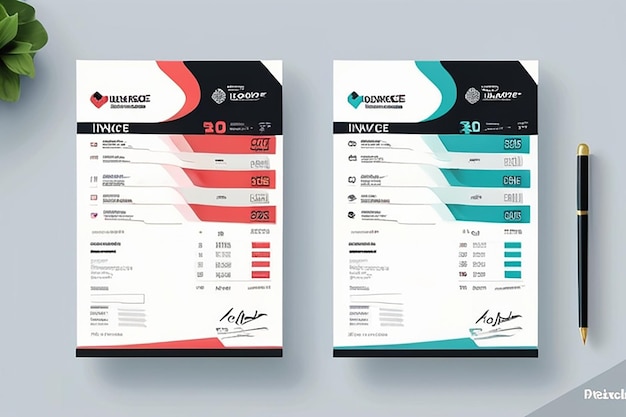
Here’s an example of how an invoice might look:
Your Business Name: XYZ Designs
Address: 123 Lagos Street, Lagos, Nigeria
Phone: 08012345678
Email: info@xyzdesigns.com
Client: ABC Company
Address: 456 Abuja Avenue, Abuja, Nigeria
Invoice Number: INV-2024-005
Invoice Date: May 8, 2024
Due Date: May 22, 2024
Description: Logo Design for ABC Company
Rate: N50,000 (Fixed Price)
Quantity: 1
Total: N50,000
Payment Instructions: Bank Transfer to XYZ Designs, GTBank, Account Number: 0123456789. Or pay online via Paystack: [Your Paystack Link]
Thank you for your business!
Pricing Strategies for Graphic Design Work in Nigeria
Determining your pricing can be tricky. Consider these factors:
- Experience: More experienced designers can command higher rates.
- Complexity of the Project: Complex projects require more time and expertise.
- Market Rates: Research what other designers in Nigeria are charging.
- Your Overhead Costs: Factor in your expenses (software, equipment, internet).
Common pricing models include:
- Hourly Rate: Charging by the hour.
- Fixed Price: Charging a set price for the entire project.
- Value-Based Pricing: Charging based on the perceived value of your services to the client.
Tools and Software to Simplify Invoicing
Several tools can streamline your invoicing process:
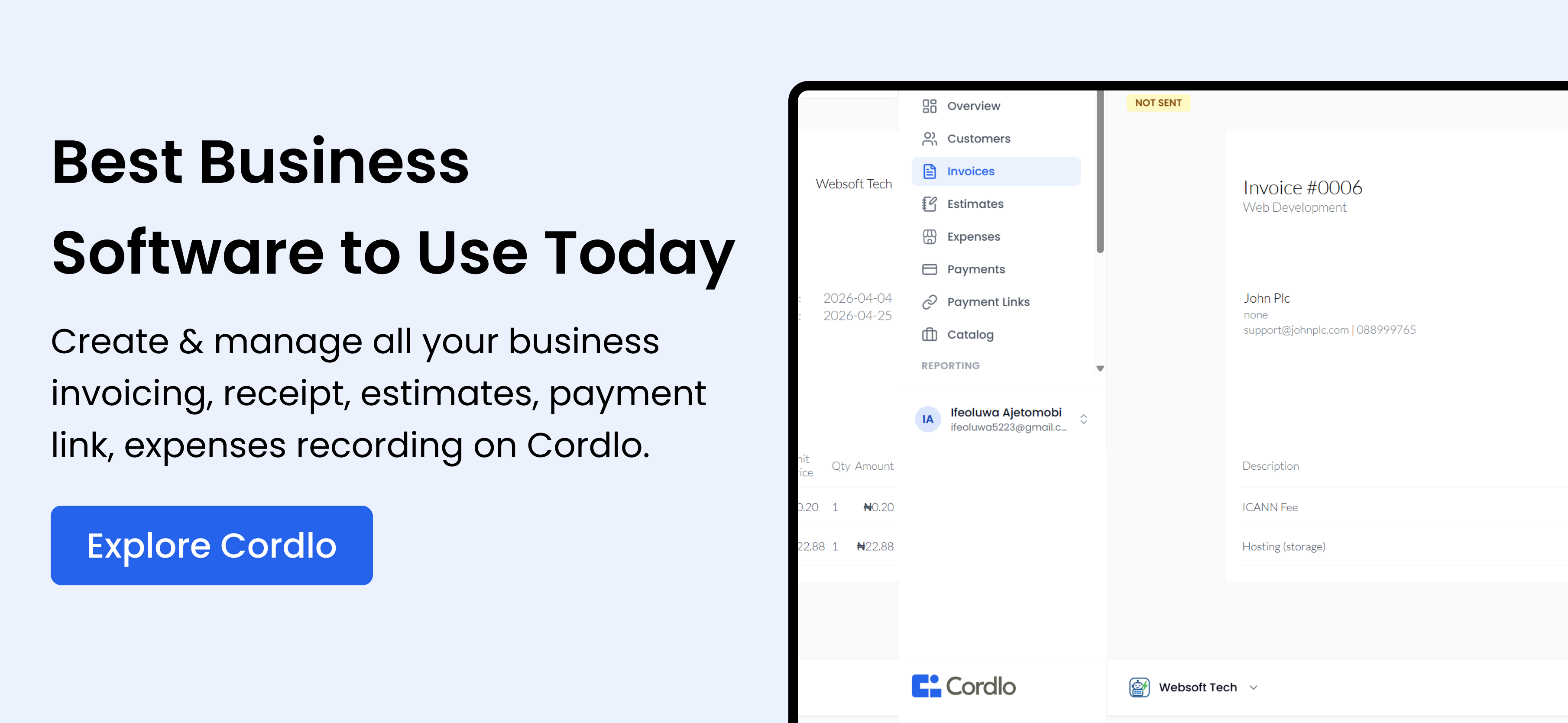
- Cordlo: A user-friendly invoicing and accounting software designed for Nigerian businesses. It automates invoice creation, sends payment reminders, and tracks expenses.
- Microsoft Excel/Google Sheets: Suitable for basic invoicing needs, but requires manual data entry.
- Paystack/Flutterwave: Payment gateways that allow you to accept online payments and generate invoices.
Cordlo vs. Alternatives: Invoicing Software Comparison
| Feature | Cordlo | Excel/Google Sheets | Paystack/Flutterwave |
|---|---|---|---|
| Invoice Creation | Automated, professional templates | Manual, requires design skills | Basic templates |
| Payment Reminders | Automated | Manual | Manual |
| Expense Tracking | Integrated | Manual | Not available |
| Reporting | Detailed financial reports | Manual | Basic transaction reports |
| Payment Processing | Integrated via Paystack/Flutterwave | Requires separate payment processing | Integrated |
| Ease of Use | Very easy | Requires technical skills | Relatively easy |
| Cost | Affordable plans, free trial available | Free (if you have the software) | Transaction fees |
Common Invoicing Mistakes to Avoid
Avoid these common pitfalls:
- Missing Information: Always include all essential details (your info, client info, invoice number, date, description of services, amount due).
- Vague Descriptions: Be specific about the services you provided.
- Incorrect Calculations: Double-check all calculations to avoid errors.
- Unclear Payment Terms: Clearly state your payment terms and accepted payment methods.
- Late Invoicing: Send invoices promptly after completing the work.
Real-Life Scenario: Invoicing Challenges and Solutions
Chinedu, a graphic designer in Enugu, faced challenges with late payments. Clients often delayed payments, citing forgotten invoices or unclear payment instructions.
He started using Cordlo to automate invoice creation and send automatic payment reminders. He also clearly stated his payment terms and accepted online payments via Paystack. As a result, his payment speed significantly improved.
The Importance of Tracking Your Income and Expenses
Tracking your income and expenses is crucial for managing your finances and complying with tax regulations. Use accounting software like Cordlo to track your income, expenses, and profits.
Keep accurate records of all invoices, receipts, and bank statements. This will help you prepare your tax returns and make informed business decisions. Read also: How to File Annual Tax Returns in Nigeria.
Tax Implications for Graphic Designers in Nigeria
As a graphic designer in Nigeria, you are responsible for paying taxes on your income. This includes:
- Personal Income Tax (PIT): If you are a sole proprietor or freelancer, you will pay PIT on your profits.
- Value Added Tax (VAT): If your annual turnover exceeds N25 million, you are required to register for VAT and charge VAT on your services.
- Company Income Tax (CIT): If you operate as a limited liability company, you will pay CIT on your profits.
Consult with a tax advisor or accountant to ensure you comply with all tax regulations. Visit FIRS for more information.
Invoicing Best Practices for Nigerian Graphic Designers
Follow these best practices for effective invoicing:
- Be Professional: Use a professional invoice template and ensure all information is accurate.
- Be Clear: Clearly describe your services and payment terms.
- Be Prompt: Send invoices promptly after completing the work.
- Be Persistent: Follow up on overdue invoices.
- Be Organized: Keep accurate records of all invoices and payments.
Read also: Small Business Accounting Tips for Nigerian Businesses.
FAQ: Invoicing for Graphic Design Work in Nigeria
What should I do if a client doesn’t pay on time?
Send a friendly reminder a few days after the due date. If payment is still not received, send a formal demand letter stating your payment terms and late payment penalties.
Can I charge interest on late payments?
Yes, you can charge interest on late payments, but you must clearly state this in your payment terms.
How do I handle disputes over invoices?
Communicate with the client to understand their concerns. If necessary, provide additional documentation or clarification. If a resolution cannot be reached, consider mediation or legal action.
Do I need to register for VAT?
If your annual turnover exceeds N25 million, you are required to register for VAT with the Federal Inland Revenue Service (FIRS).
What payment methods should I accept?
Accept a variety of payment methods to make it easy for clients to pay you. Common payment methods include bank transfer, online payment via Paystack or Flutterwave, and cash (though less common for larger invoices).
How can Cordlo help with invoicing?
Cordlo automates invoice creation, sends payment reminders, tracks expenses, and generates financial reports, saving you time and ensuring you get paid faster. Sign up free today.