
You’ve sent an estimate to a client, they’ve approved it, and now it’s time to get paid. Manually re-entering all the details from your estimate into an invoice is tedious and prone to errors. A smooth process is key to getting paid faster and maintaining a professional image.
Converting an estimate to an invoice should be quick and easy. The goal is to minimize manual work and ensure accuracy in your billing process.
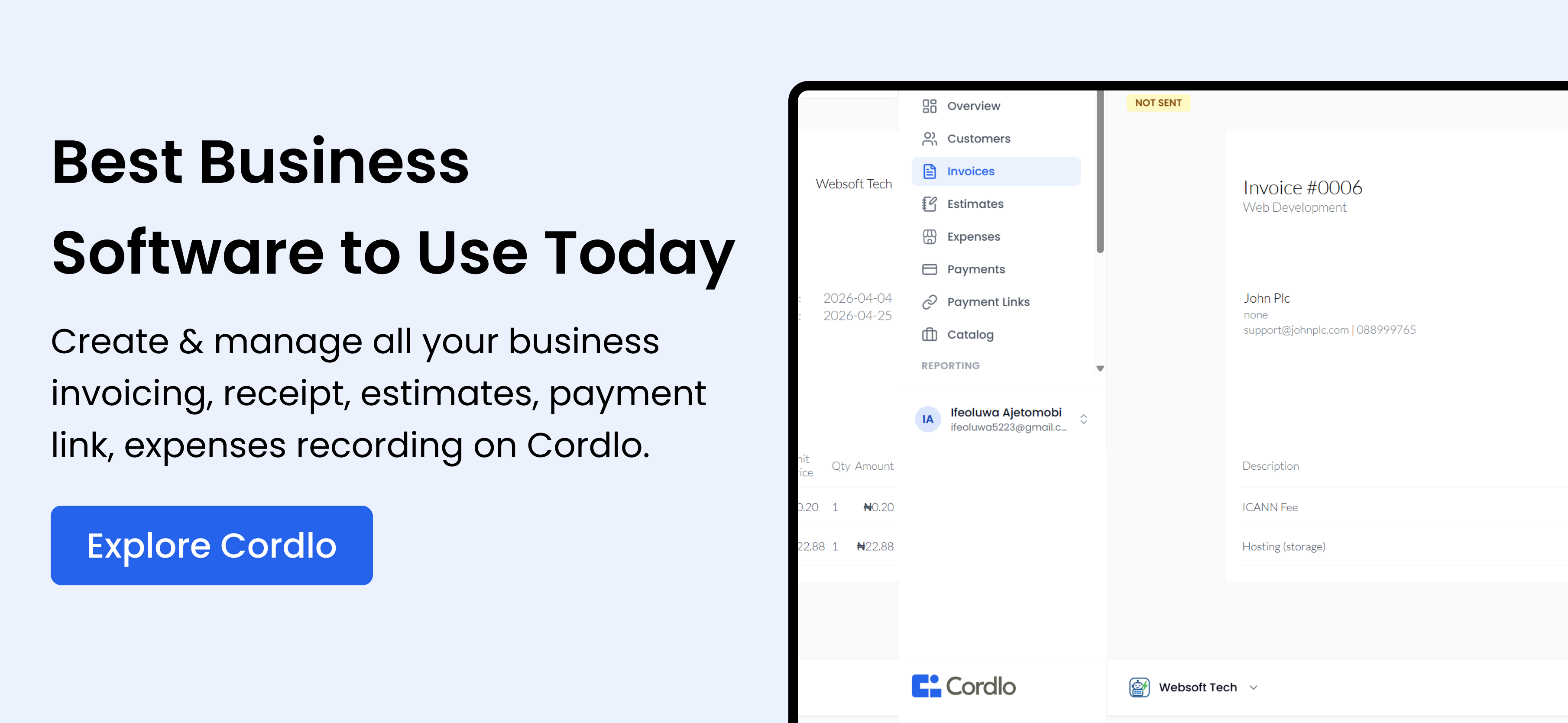
To convert an estimate to an invoice, you need to transfer all the details from the estimate, such as client information, itemized list of services or products, agreed-upon prices, and any discounts, into a formal invoice. Ideally, you should use invoicing software that allows you to convert estimates into invoices with a single click, eliminating manual data entry and reducing the risk of errors. Cordlo simplifies this process, saving you time and ensuring accuracy.
Why Convert Estimates to Invoices Quickly?
Delays in invoicing can lead to delayed payments. The faster you send out an invoice after estimate approval, the sooner you’ll get paid.
A prompt and professional invoicing process builds trust with your clients. It shows that you’re organized and value their business.
Efficiently managing your invoices helps you track your income and expenses accurately. This is crucial for financial planning and tax compliance with the FIRS.
The Challenges of Manual Conversion
Copying information from an estimate to an invoice manually is time-consuming. It takes you away from other important tasks in your business.
Manual data entry increases the likelihood of errors, such as incorrect prices or quantities. These errors can lead to disputes with clients and payment delays.
Without a centralized system, tracking the status of estimates and invoices can be difficult. You might lose track of which estimates have been converted and which are still pending.
Using Cordlo to Convert Estimates to Invoices
Cordlo offers a seamless solution for converting estimates to invoices. With just a few clicks, you can transform an approved estimate into a professional-looking invoice.
Amara, a freelance graphic designer in Lagos, uses Cordlo to manage her client billing. She creates estimates for her design projects and, once approved, converts them to invoices instantly. This saves her hours of manual work and ensures she gets paid on time.
Here’s how Cordlo simplifies the estimate-to-invoice conversion:
- One-click Conversion: Convert estimates to invoices with a single click.
- Automated Data Transfer: Automatically transfer all relevant information from the estimate to the invoice.
- Customizable Templates: Use customizable invoice templates to maintain a professional brand image.
- Payment Tracking: Track invoice statuses and send payment reminders to clients.
Step-by-Step Guide: Converting with Cordlo
Let’s walk through converting an estimate to an invoice using Cordlo.
- Log in to Cordlo: Access your Cordlo account.
- Find the Estimate: Locate the approved estimate you want to convert.
- Convert to Invoice: Click the “Convert to Invoice” button.
- Review and Send: Review the invoice details, make any necessary adjustments, and send it to your client.
That’s it! The invoice is sent. Cordlo also automatically updates your records.
Benefits of Using Software for Conversion
Using software like Cordlo to convert estimates to invoices offers several advantages. Let’s explore them.
Software eliminates manual data entry, reducing the risk of errors and ensuring accurate billing.
With automated conversion, you can create and send invoices in seconds, saving valuable time.
Software helps you maintain a consistent and professional brand image with customizable invoice templates.
You can easily track the status of your invoices and send automated payment reminders, improving your cash flow.
Cordlo vs. Manual Conversion: A Comparison
See the difference between using Cordlo and doing it manually.
| Feature | Cordlo | Manual Conversion |
|---|---|---|
| Data Entry | Automated | Manual |
| Accuracy | High | Low (prone to errors) |
| Speed | Fast (seconds) | Slow (minutes/hours) |
| Professionalism | High (customizable templates) | Inconsistent |
| Tracking | Automated | Manual |
Real-World Scenario: Emeka’s Story
Emeka runs a small printing business in Onitsha. He used to spend hours manually creating invoices from estimates. This was time-consuming and often led to errors. Since switching to Cordlo, he now converts estimates to invoices in seconds. He also gets paid faster, improving his business’s cash flow.
Key Features to Look for in Invoicing Software
When choosing invoicing software, consider these essential features:
- Estimate to Invoice Conversion: Seamlessly convert estimates to invoices.
- Customizable Templates: Create professional-looking invoices that reflect your brand.
- Payment Processing: Integrate with payment gateways like Paystack and Flutterwave for easy online payments.
- Automated Reminders: Send automatic payment reminders to clients.
- Reporting and Analytics: Track your income and expenses with detailed reports.
Integrating Payment Gateways for Seamless Transactions
Integrating payment gateways like Paystack and Flutterwave into your invoicing process makes it easier for clients to pay you online. This leads to faster payments and improved cash flow.
With these integrations, your clients can pay directly from the invoice using various methods, including card payments, bank transfers, and mobile money.
Mobile Invoicing: Managing Invoices on the Go
Mobile invoicing allows you to manage your invoices from anywhere using your smartphone or tablet. This is especially useful if you’re often on the move or working remotely.
With mobile invoicing, you can create and send invoices, track payments, and send reminders, all from your mobile device.
Tax Compliance and Invoicing in Nigeria
In Nigeria, it’s essential to ensure your invoicing practices comply with the regulations set by the Federal Inland Revenue Service (FIRS). This includes accurately recording all transactions, issuing proper invoices, and remitting taxes on time.
Using invoicing software can help you stay compliant by automatically calculating taxes, generating reports, and ensuring all required information is included on your invoices.
How to Handle Late Payments
Late payments can be a challenge for any business. Here are some strategies for handling them:
- Send Reminders: Use automated payment reminders to gently nudge clients to pay.
- Offer Payment Plans: Consider offering payment plans for clients who are struggling to pay.
- Charge Late Fees: Implement a policy of charging late fees for overdue invoices.
- Communicate: Maintain open communication with your clients to understand their situation and find a solution.
The Future of Invoicing: Trends to Watch
The world of invoicing is constantly evolving. Here are some trends to watch:
- AI-Powered Invoicing: AI is being used to automate tasks, such as data entry and invoice matching.
- Blockchain Invoicing: Blockchain technology is being used to create secure and transparent invoicing systems.
- Real-Time Invoicing: Real-time invoicing allows you to send invoices and receive payments instantly.
Conclusion
Converting estimates to invoices efficiently is crucial for getting paid faster and maintaining a professional image. By using invoicing software like Cordlo, you can streamline the process, reduce errors, and improve your cash flow. Embrace these tools and strategies to optimize your invoicing practices and grow your business in Nigeria. Take control of your finances and sign up free today!
Frequently Asked Questions (FAQs)
What is the best way to convert an estimate to an invoice?
The best way is to use invoicing software like Cordlo. It allows you to convert estimates to invoices with a single click, automatically transferring all the necessary information.
How can I ensure my invoices are compliant with Nigerian tax laws?
Use invoicing software that is designed to comply with FIRS regulations. Ensure all required information, such as your business name, address, and VAT registration number, is included on your invoices.
What should I do if a client doesn’t pay their invoice on time?
Send automated payment reminders, offer payment plans, and consider charging late fees. Maintain open communication with the client to understand their situation and find a solution.
Can I use mobile invoicing in Nigeria?
Yes, mobile invoicing is available and useful in Nigeria. You can use mobile apps to create and send invoices, track payments, and send reminders from your smartphone or tablet.
What are the benefits of integrating payment gateways with my invoicing system?
Integrating payment gateways like Paystack and Flutterwave makes it easier for clients to pay you online. This leads to faster payments and improved cash flow, as clients can pay directly from the invoice using various methods.