
Running a small business in Canada means you’re juggling a million tasks. Serving clients, managing finances—every minute counts. Creating professional estimates quickly and accurately? That’s key to winning new business and keeping your cash flow healthy.
Manual estimates with spreadsheets are time-consuming and error-prone. Investing in the right estimate software is a game-changer for Canadian entrepreneurs like you. It helps you look professional, simplifies your workflow, and ensures you get paid what you’re worth.
The best estimate software for Canadian small businesses includes Cordlo (best all-in-one financial operating system), QuickBooks Online (best accounting integration), FreshBooks (best for freelancers & service businesses), and Jobber (best for field services). These tools offer solutions for everything from simple estimates to comprehensive financial management, all while supporting Canadian tax requirements.
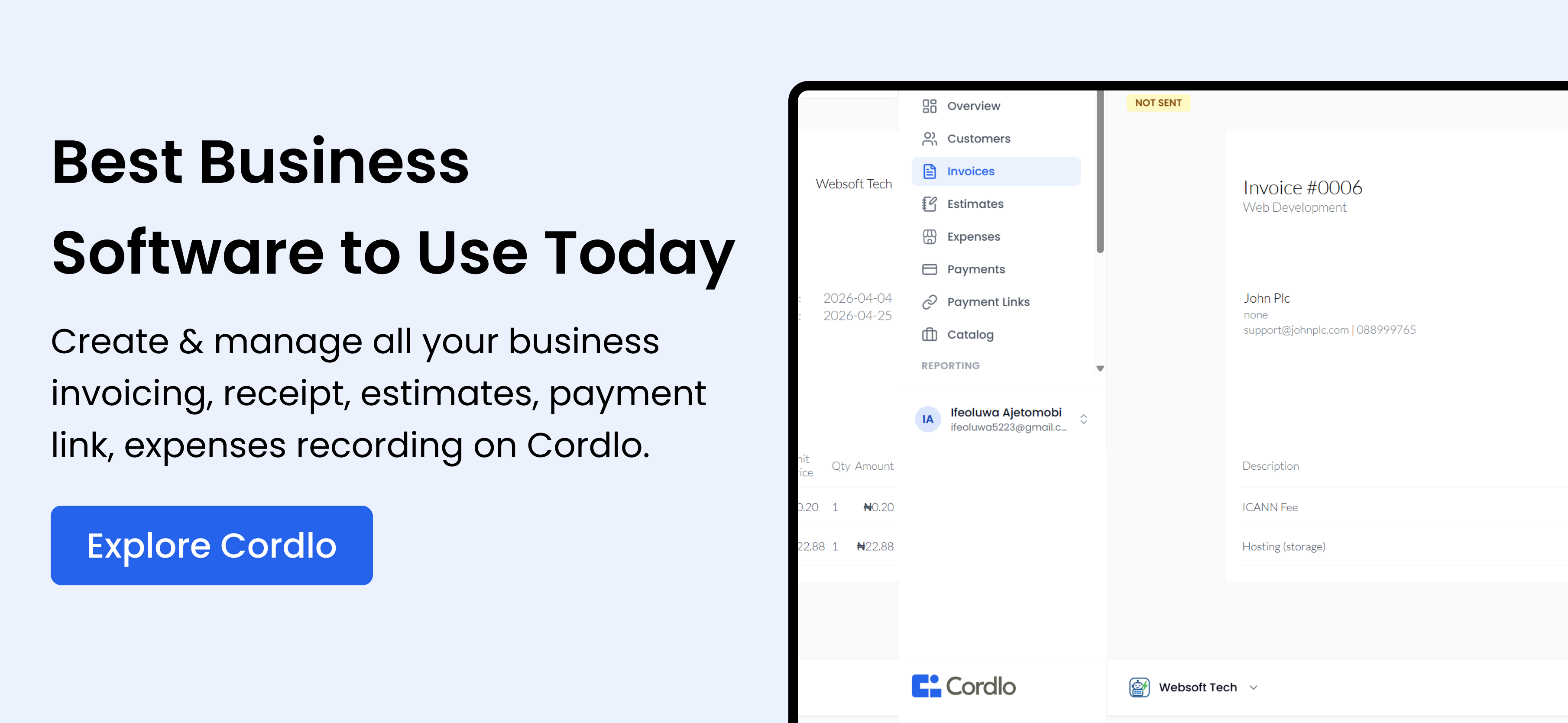
1. Cordlo
Cordlo is more than just estimate software. It’s a modern business management and financial operating system. It’s designed to simplify the entire financial workflow for Canadian small businesses, freelancers, and growing enterprises.
We built Cordlo to replace fragmented tools. It’s a unified platform that centralizes everything from estimates and quotations to invoicing, payments, reporting, and compliance.
Why Cordlo Transforms Canadian Businesses
Tired of juggling spreadsheets, manual re-entry, and payment follow-ups? Cordlo is built for Canadian small businesses ready to streamline their operations and get paid faster. In minutes, you can send a professional, custom-branded estimate, get client approval digitally, and with one click, convert it into a paid invoice—without re-entering a single number.
Cordlo’s Key Advantages:
- Professional Estimates: Custom-branded templates, detailed line items, discounts, taxes, and expiry dates.
- Digital Approval: Clients can approve estimates online with ease, speeding up your sales cycle.
- One-Click Conversion: Instantly transform approved estimates into invoices, eliminating manual errors and saving significant time.
- Multi-Currency Support: Ideal for Canadian businesses with international clients, allowing estimates and invoices in foreign currencies.
- Integrated Payment Processing: Accept payments directly through Cordlo, simplifying reconciliation and speeding up cash flow.
- Comprehensive Reporting: Track estimate performance, identify trends, and make data-driven decisions to improve your sales process.
2. QuickBooks Online
QuickBooks Online is a popular accounting software that also offers robust estimate capabilities. It’s a great choice if you’re already using QuickBooks for your accounting needs and want a seamless integration.
Imagine Fatima, a bakery owner in Toronto, using QuickBooks Online. She easily creates estimates for custom cake orders, which automatically sync with her accounting records once approved.
QuickBooks Online’s Key Advantages:
- Accounting Integration: Seamlessly integrates with your accounting data, eliminating the need for manual data entry.
- Customizable Templates: Create professional-looking estimates with your company logo and branding.
- Mobile App: Manage your estimates on the go with the QuickBooks Online mobile app.
- Progress Invoicing: Bill clients in stages as you complete different phases of a project.
3. FreshBooks
FreshBooks is designed specifically for freelancers and service-based businesses. It offers a user-friendly interface and a range of features to help you manage your estimates, invoices, and expenses.
Think of David, a freelance web designer in Vancouver. He uses FreshBooks to send polished estimates to his clients. The platform’s intuitive design makes it easy for him to track his time and expenses, ensuring accurate billing.
FreshBooks’ Key Advantages:
- User-Friendly Interface: Easy to navigate and use, even if you’re not an accounting expert.
- Time Tracking: Track your time spent on projects and automatically include it in your estimates and invoices.
- Expense Tracking: Easily track your business expenses and attach them to invoices.
- Project Management: Manage your projects, track progress, and collaborate with clients.
4. Jobber
Jobber is a field service management software that includes powerful estimate features. It’s ideal for businesses like plumbers, electricians, and landscapers who need to create estimates on the go.
Consider Aisha, who runs a landscaping company in Calgary. Her team uses Jobber on their mobile devices to create and send estimates to clients while on-site. This speeds up the sales process and improves customer satisfaction.
Jobber’s Key Advantages:
- Mobile App: Create and send estimates from anywhere with the Jobber mobile app.
- Scheduling: Schedule jobs and assign them to your team members.
- GPS Tracking: Track your team’s location and optimize routes.
- Customer Management: Manage your customer information and communication in one place.
5. Estimate Rocket
Estimate Rocket focuses on simplifying the estimation process, offering features like pre-built templates and customizable pricing. It’s a good option for businesses that need to create detailed and accurate estimates quickly.
Estimate Rocket’s Key Advantages:
- Pre-Built Templates: Save time with a library of pre-built estimate templates.
- Customizable Pricing: Set up custom pricing rules and markups.
- Client Portal: Allow clients to view and approve estimates online.
- Reporting: Track estimate performance and identify areas for improvement.
6. Housecall Pro
Housecall Pro is another field service management software that includes estimate capabilities. It offers features like online booking, automated follow-ups, and payment processing.
Housecall Pro’s Key Advantages:
- Online Booking: Allow clients to book appointments online.
- Automated Follow-Ups: Automate follow-up emails and text messages.
- Payment Processing: Accept payments online and in the field.
- Integrations: Integrates with other popular business tools.
7. Zoho Invoice
Zoho Invoice is a free invoicing software that also includes estimate features. It’s a good option for small businesses that are just starting out and need a budget-friendly solution. Zoho Invoice integrates with other Zoho products, like Zoho CRM.
Zoho Invoice’s Key Advantages:
- Free Plan: Offers a free plan for up to 5 customers.
- Customizable Templates: Create professional-looking estimates with your company logo and branding.
- Payment Gateways: Integrates with multiple payment gateways.
- Reporting: Track estimate performance and identify areas for improvement.
8. Xero
Xero is a cloud-based accounting software that offers estimate capabilities. It’s a good option for businesses that need a comprehensive accounting solution with built-in estimate features.
Xero’s Key Advantages:
- Accounting Integration: Seamlessly integrates with your accounting data.
- Customizable Templates: Create professional-looking estimates with your company logo and branding.
- Mobile App: Manage your estimates on the go with the Xero mobile app.
- Reporting: Track estimate performance and identify areas for improvement.
9. Sage Accounting
Sage Accounting is a popular accounting software that also offers estimate features. It’s a good option for businesses that need a robust accounting solution with built-in estimate capabilities.
Sage Accounting’s Key Advantages:
- Accounting Integration: Seamlessly integrates with your accounting data.
- Customizable Templates: Create professional-looking estimates with your company logo and branding.
- Mobile App: Manage your estimates on the go with the Sage Accounting mobile app.
- Reporting: Track estimate performance and identify areas for improvement.
10. Wave Accounting
Wave Accounting offers free accounting software, including estimate and invoicing features. It’s a solid choice for very small businesses with basic needs.
Wave Accounting’s Key Advantages:
- Free Accounting, Invoicing and Estimating: Offers a completely free plan for accounting, invoicing, and estimating.
- User-Friendly Interface: Easy to navigate and use, even if you’re not an accounting expert.
- Payment Processing: Accept payments online (fees apply).
- Reporting: Basic reporting features to track your finances.
Comparison Table: Estimate Software for Canadian Small Businesses
| Software | Pricing | Key Features | Best For |
|---|---|---|---|
| Cordlo | Starts at $29/month | Estimates, Invoicing, Payments, Reporting, Multi-Currency Support | Small businesses needing an all-in-one financial operating system |
| QuickBooks Online | Starts at $20/month | Accounting Integration, Customizable Templates, Mobile App | Businesses already using QuickBooks for accounting |
| FreshBooks | Starts at $15/month | User-Friendly Interface, Time Tracking, Expense Tracking | Freelancers and service-based businesses |
| Jobber | Starts at $49/month | Mobile App, Scheduling, GPS Tracking, Customer Management | Field service businesses |
| Estimate Rocket | Starts at $39/month | Pre-Built Templates, Customizable Pricing, Client Portal | Businesses needing detailed and accurate estimates quickly |
Choosing the Right Estimate Software
The best estimate software for your Canadian small business depends on your specific needs and budget. Consider the following factors when making your decision:
- Your industry: Do you need field service management features or accounting integration?
- Your budget: Are you looking for a free solution or are you willing to pay for more features?
- Your business size: Do you need a solution that can scale with your business?
- Your technical expertise: Do you need a user-friendly solution or are you comfortable with more complex software?
By carefully considering these factors, you can choose the estimate software that will best help you streamline your workflow, improve your cash flow, and grow your business.
Optimize Your Estimates for Success
Creating professional and accurate estimates is just the first step. Here are some tips to optimize your estimates for success:
- Be clear and concise: Use clear language and avoid jargon.
- Be detailed: Include all relevant information, such as a description of the services, materials, and labor costs.
- Be accurate: Double-check your calculations to ensure accuracy.
- Be professional: Use a professional template and include your company logo and branding.
- Be timely: Send your estimates promptly.
- Follow up: Follow up with your clients to answer any questions and close the sale.
By following these tips, you can increase your chances of winning new business and growing your Canadian small business.
Read Best Accounting Software for Small Businesses in Canada and Best Invoice Software for Small Businesses in Canada for more guides.
FAQ: Estimate Software for Canadian Small Businesses
What is estimate software?
Estimate software helps businesses create and manage estimates for their products or services. It automates the process of calculating costs, adding taxes, and creating professional-looking estimates to send to clients.
Why do I need estimate software?
Estimate software saves time, reduces errors, and helps you create professional estimates that impress your clients. It can also help you track your estimates and identify areas for improvement.
What features should I look for in estimate software?
Look for features like customizable templates, accounting integration, mobile app access, and reporting capabilities. Also, consider features specific to your industry, such as field service management or time tracking.
Is there free estimate software available?
Yes, some free estimate software options are available, such as Zoho Invoice and Wave Accounting. However, these free options may have limited features or restrictions on the number of estimates you can create.
How much does estimate software cost?
The cost of estimate software varies depending on the features and the number of users. Paid plans typically range from $15 to $100 per month.